


- Home
- User Guide
- The Creative Profile
- Creators & Messages
👥 Creators & Messages
Explore creators, grow your network, and connect with the community.
🔍 Discovering Creators
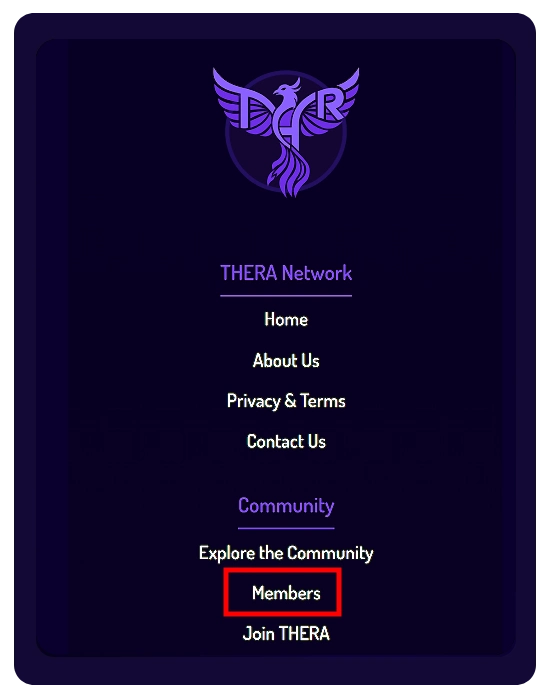
- Members List: Access all creators from the “Members” option in the Community section at the bottom of any page.
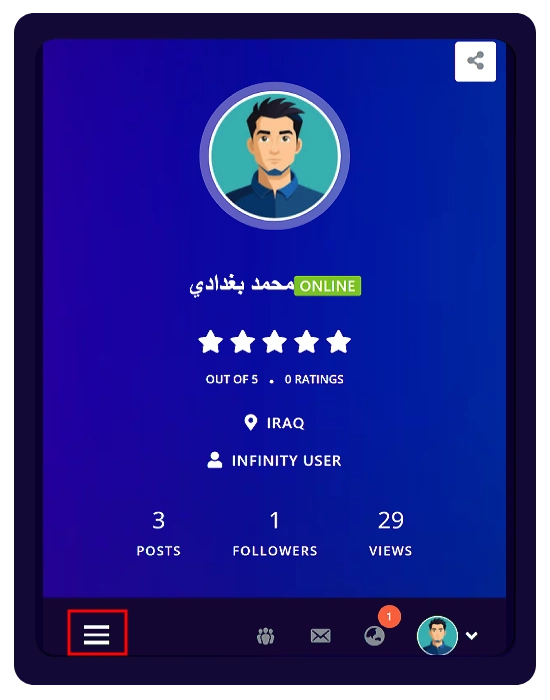
- Profile Stats: View follower count directly in the top section of any creator’s profile.
🤝 Engagement Tools
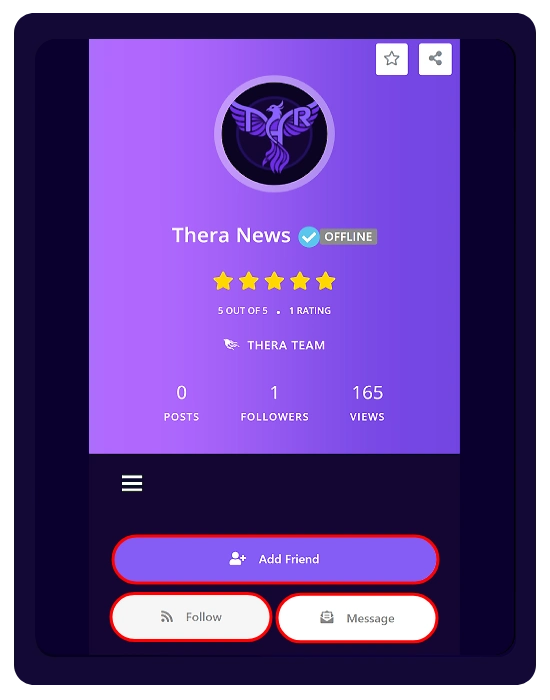
When visiting any creator’s profile, you can:
- Add Friend: Send a friend request.
- Follow: Stay updated with their posts.
- Message: Start a conversation directly.
⭐ Ratings & Reviews
- Add Rating:
Rate any creator using the star button (⭐) on their profile, or from the Members list next to their avatar. - View Reviews:
The Review section in the menu displays all ratings and feedback for that creator. - Recent Reviews are also shown at the bottom of the “Overview” tab on the profile.
📂 Managing Connections
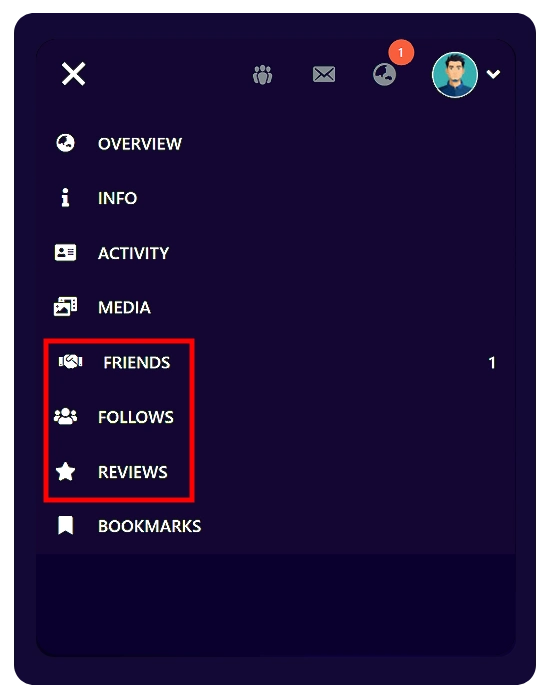
From the left-side menu in your profile:
- Friends: View and manage your friends list.
- Follows: See who you follow and who follows you.
✉️ Messaging System
You can send messages to creators from:
- Their profile
- Friends list
- Follows list
- Members directory
⚠️ Important Notice (Messaging)
THERA uses an internal messaging system that functions similarly to email (non-instant communication).
Instant messaging features may be introduced in future platform updates or mobile applications. However, no specific release date is guaranteed, as development timelines are subject to change.