


- Home
- User Guide
- Thera Points System
- Checking Your Points Balance

– Checking Your Points Balance
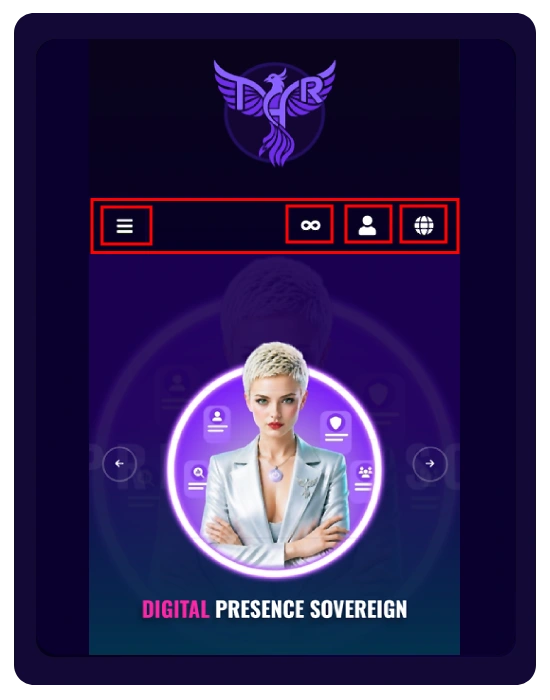
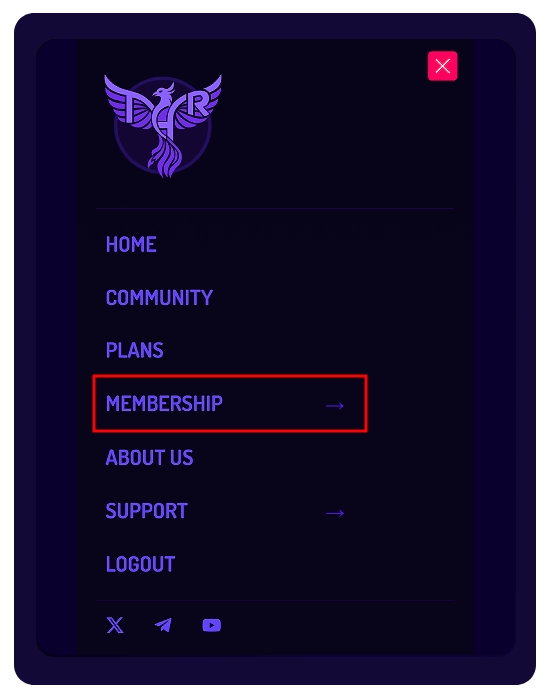
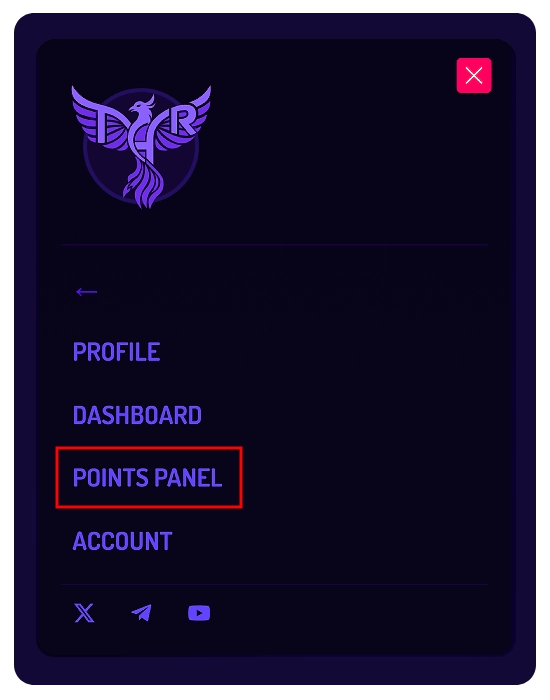
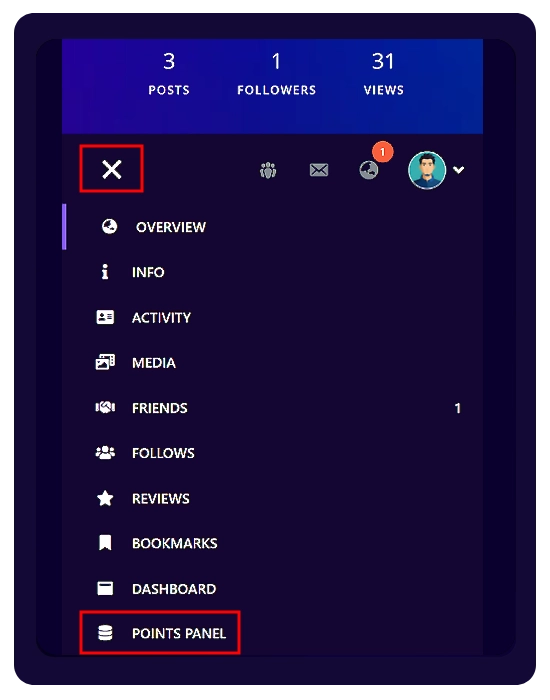
You have multiple ways to access your Points Panel and check your current balance.
– How to Access the Points Panel
- Top Menu:
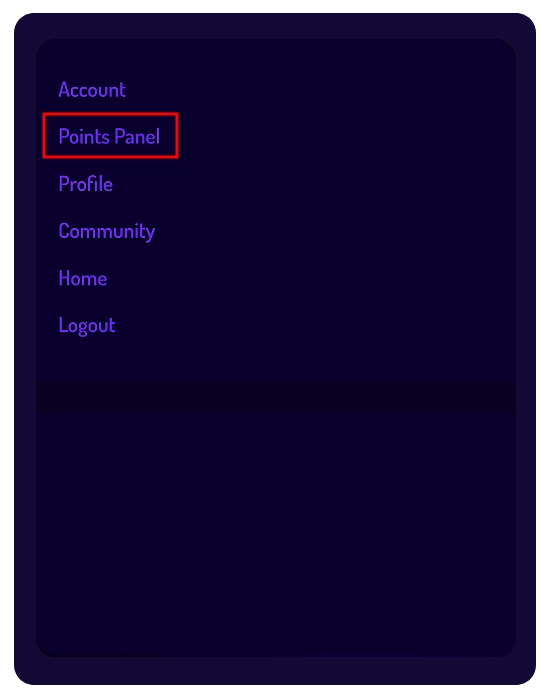
Click the three-line menu (☰) at the top of the page, then select Membership → Points Panel. - Your Profile:
Open your profile and use the left-side menu below your profile picture, then click Points Panel. - The Top Icons:
Click your subscription icon (SPARK or INFINITY) at the top of the page to open the Dashboard, then select Points Panel.
– Inside the Points Panel
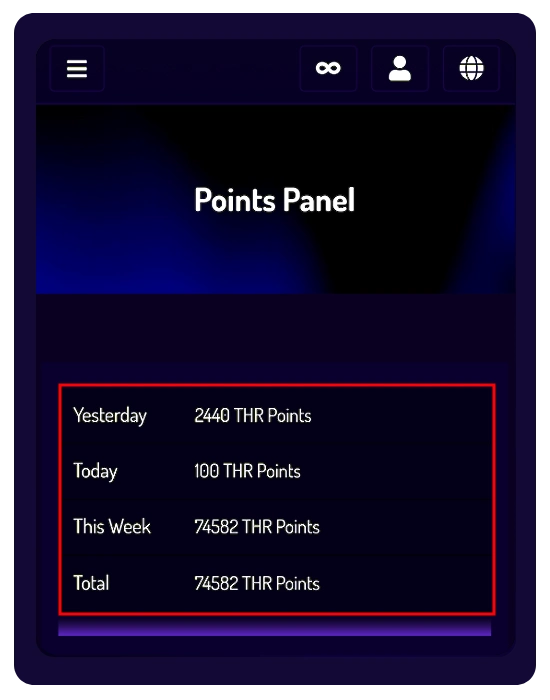
» Statistics Section:
Quick overview of your points:
- Yesterday
- Today
- This Week
- Total
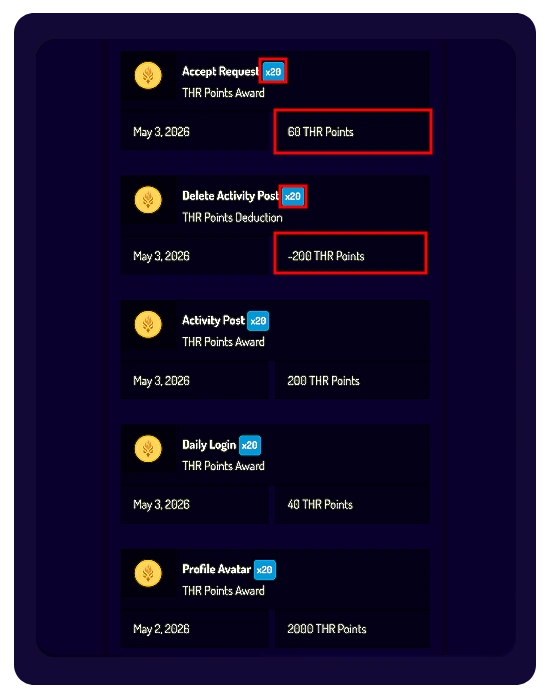
» Points History:
A detailed log of all activities showing:
- Actions where points were awarded or deducted
- The exact number of points
- The applied multiplier based on your subscription plan (e.g., x10 or x20)
– Where Else Can You See Your Balance?
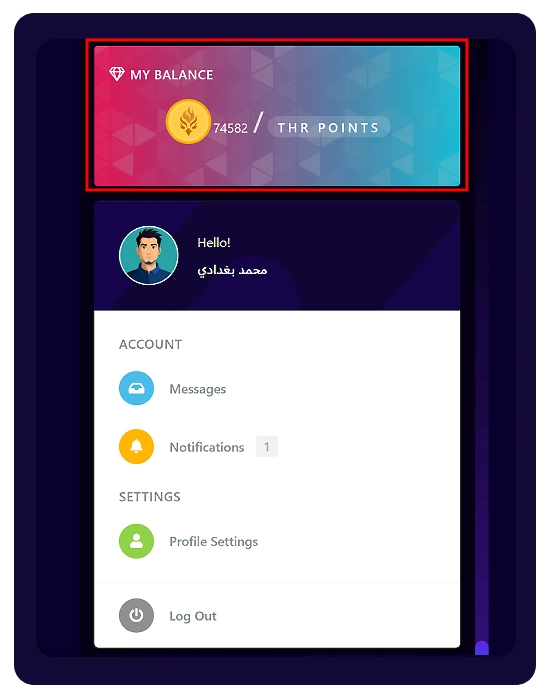
Your actual points balance (total points awarded minus deducted points) is also visible in:
- Your Creative Profile
- The main Community page