


- Home
- User Guide
- The Creative Profile
- Widgets Settings

⚙️ Widgets Settings
Customize your Creative Profile by adding interactive content sections (widgets).
- How to access:
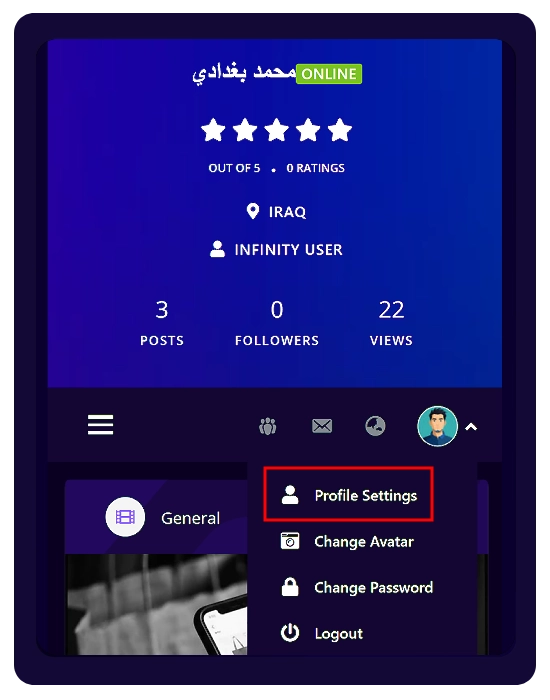
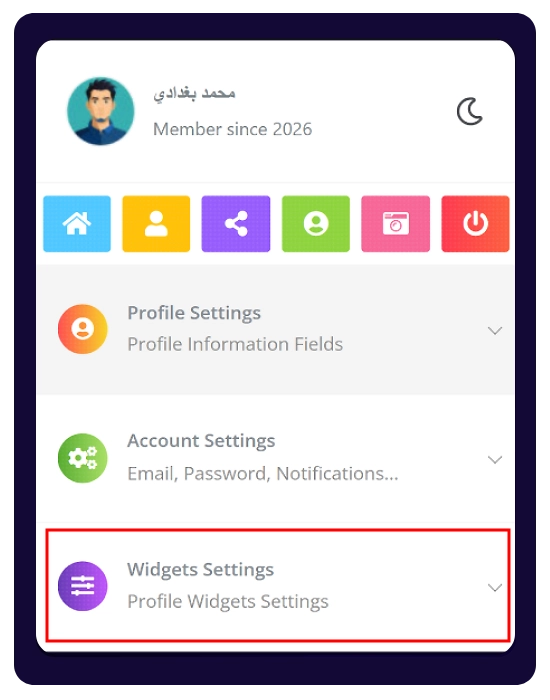
From your profile → open the right-side menu → Profile Settings → Widgets Settings
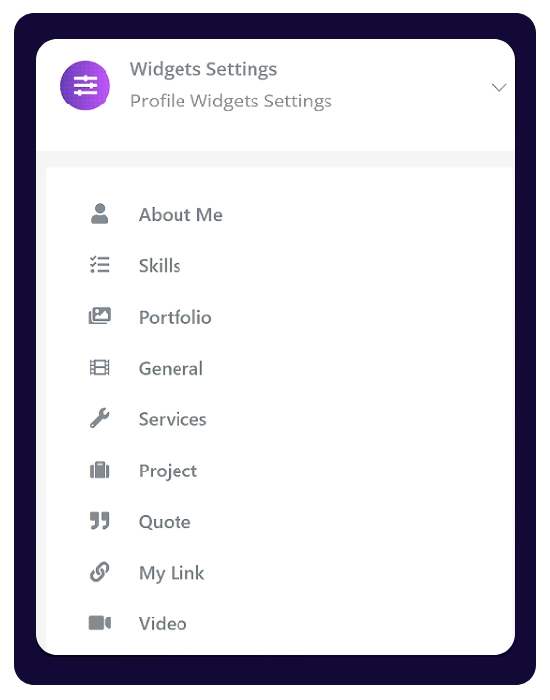
🧩 Available Widgets
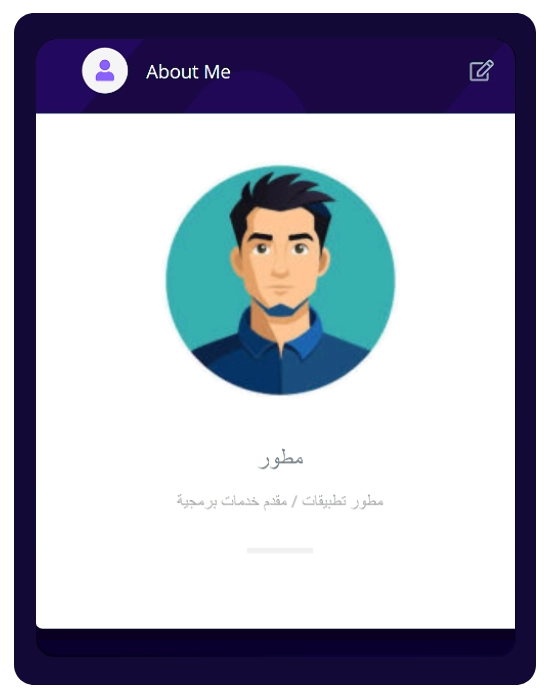
- About Me: Add a short bio with an optional image.
- Skills (Max: 6): Showcase your key skills.
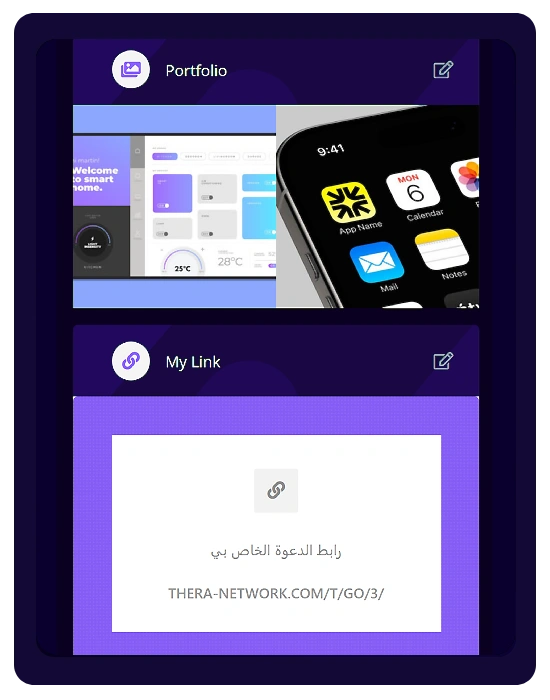
- Portfolio (Max: 15): Showcase your best work and creative projects.
- General – Slideshow (Max: 5): Create a visual slider to highlight content.
- Services (Max: 6): List the services you offer.
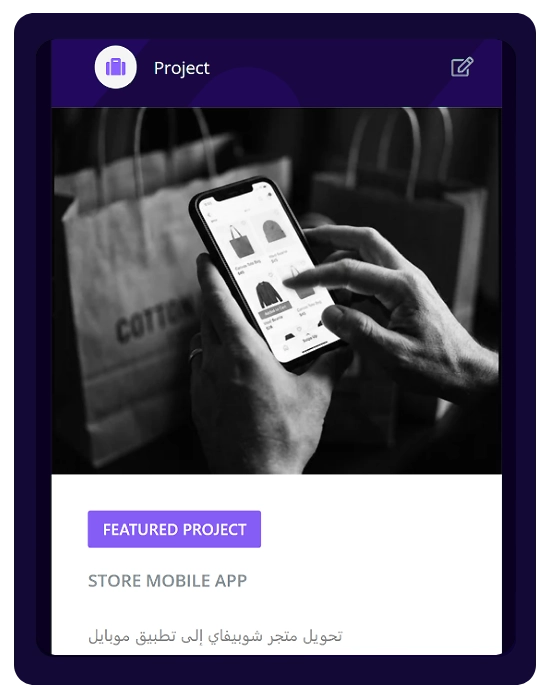
- Project: Highlight a Featured Project or show your Recent Project.
- Quote: Add a quote with customizable text, author (Owner), and background image.
My Link: Add your external or Thera invite link with a description and background image.
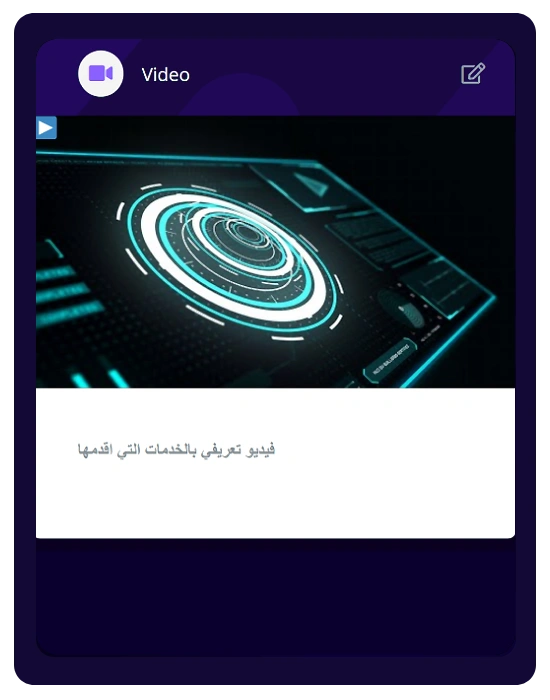
- Video: Embed a video using a URL (YouTube, Facebook, Instagram, Dailymotion) with title and description.
💡 Note:
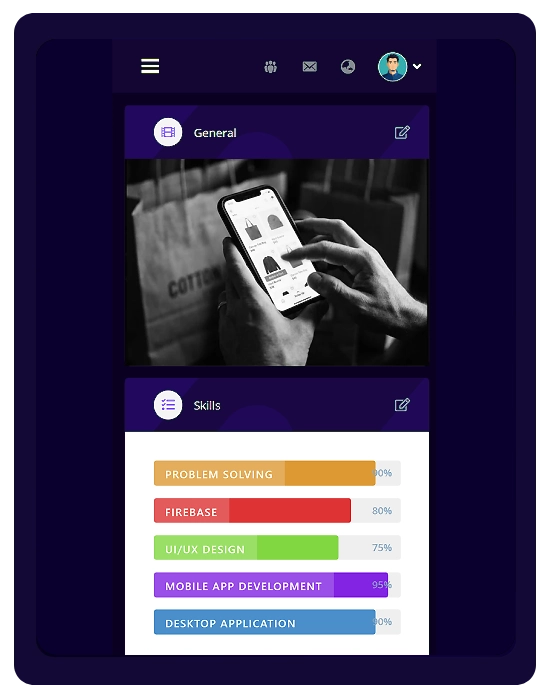
Once a widget is configured, it will automatically appear on your main profile page under the “Overview” tab