
- Home
- User Guide
- The Creative Profile
- Basic Info & Avatar
👤 Basic Info & Avatar
Personalize your profile and update your visual identity.
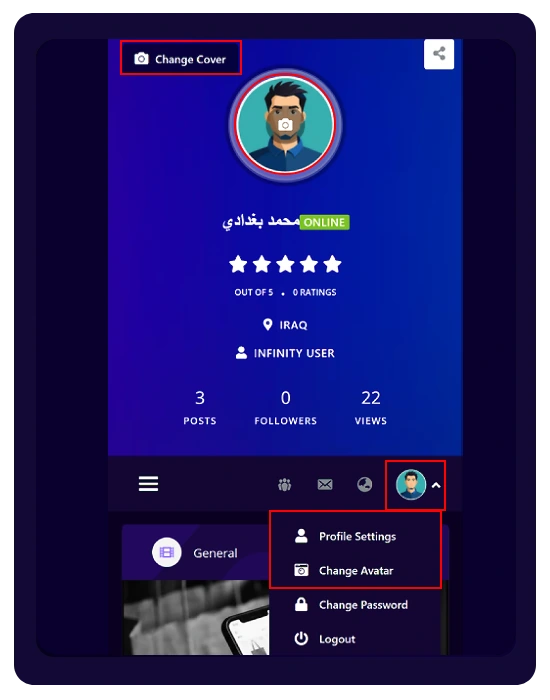
- Change Cover: Click the “Change Cover” button at the top of your profile.
- Change Avatar: Click directly on your profile picture to upload a new one.
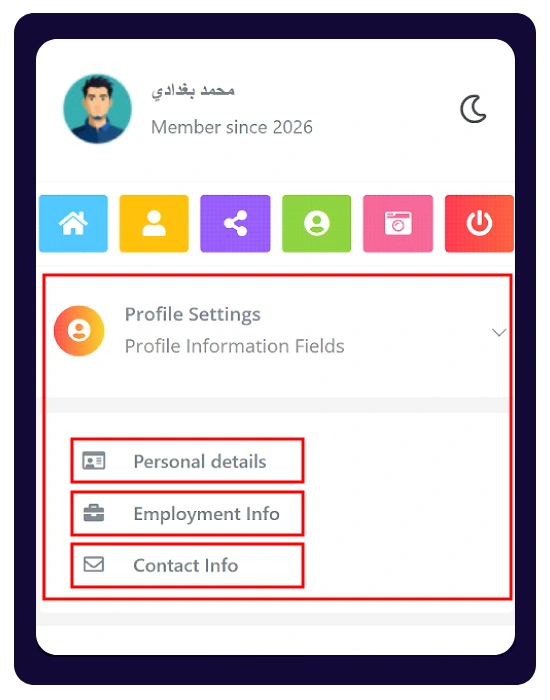
- Quick Menu Access: Open the right-side menu and select the section you want to access..
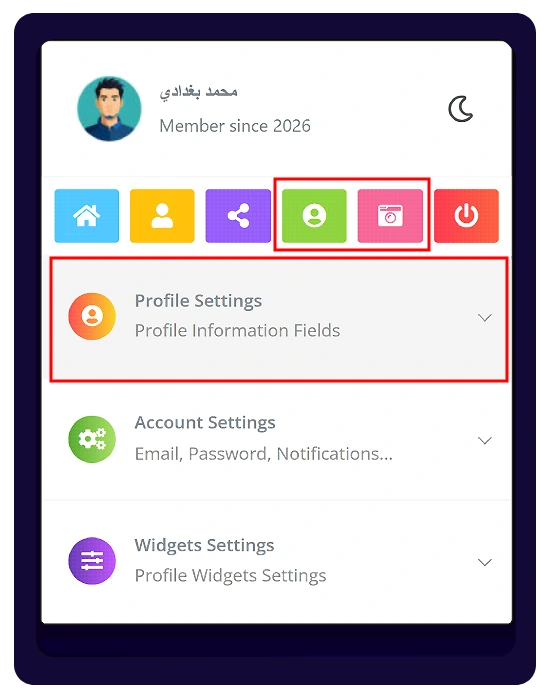
- Profile Settings:
Open the right-side menu → Profile Settings → use the colored buttons (camera icon) to update your avatar or cover. - Update Basic Info:
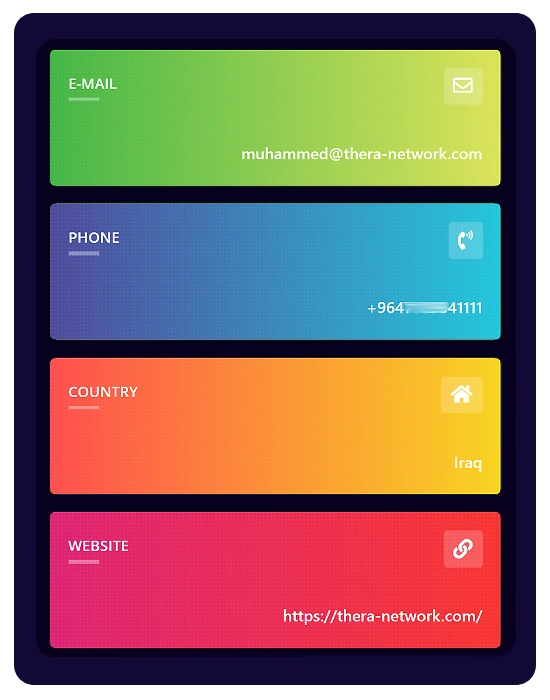
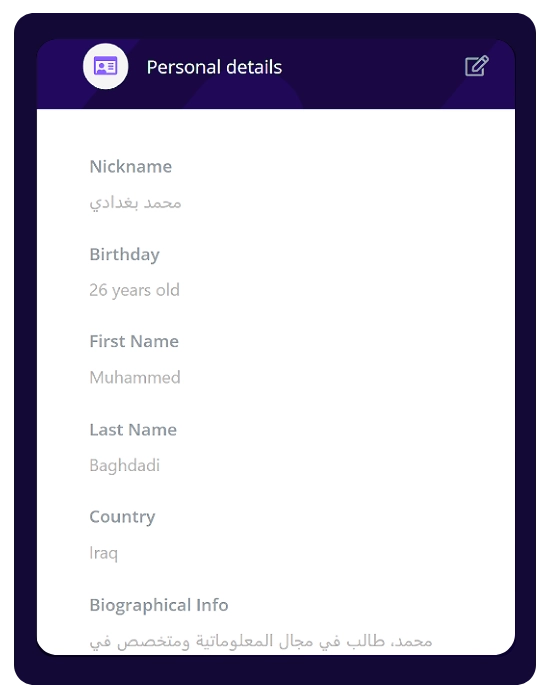
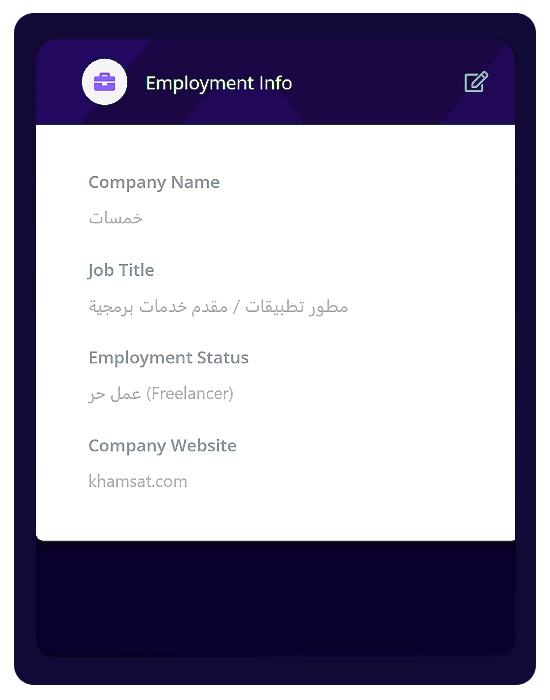
In Profile Settings, open “Profile Information Fields” to edit your Personal details, Employment Info, and Contact Info