- Home
- User Guide
- The Creative Profile
- Account Settings
⚙️ Account Settings
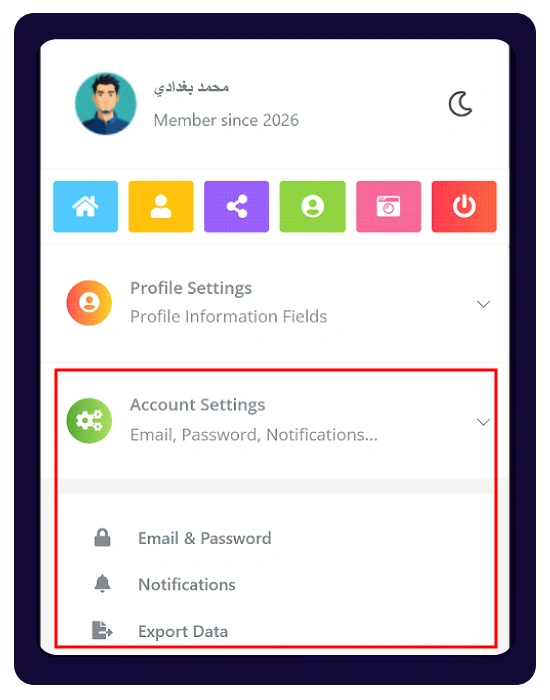
Manage your account credentials, notification preferences, and password recovery options.
🛠️ How to Access
To open your account settings:
- Go to your Profile
- Open the right-side menu
- Click Profile Settings
- Then select Account Settings
🔐 Account Settings Options
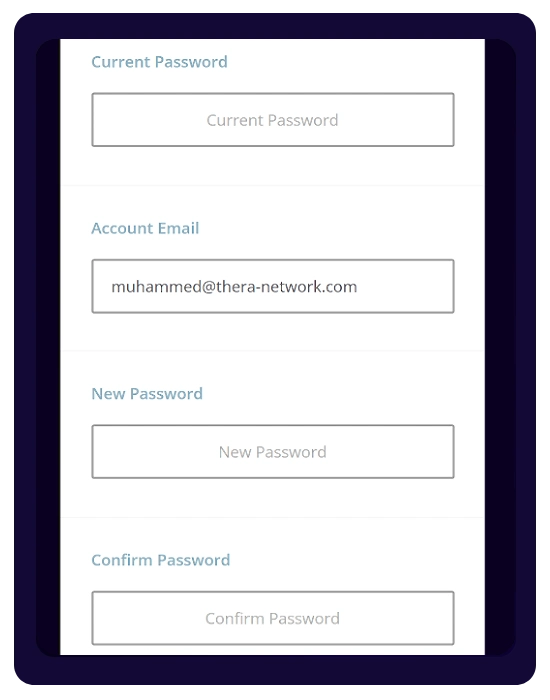
- Email & Password:
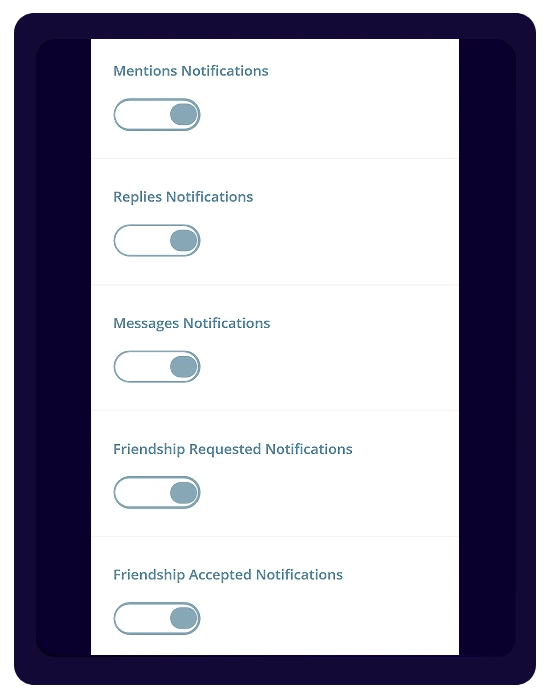
Update your account email and change your password to keep your account secure. - Notifications:
Control which notifications you receive by enabling or disabling alerts for mentions, replies, messages, and friendship activities.
🛡️ Password Recovery
If you forget your password, you can reset it by following these steps:
- Go to the Login page
- Click “Forgot Password”
- Enter your Username or Email Address
- Click “Request Password Reset”
You will receive an email with a secure link and instructions to create a new password.