
- Home
- User Guide
- The Creative Profile
- Activity Posts
📝 Activity Posts
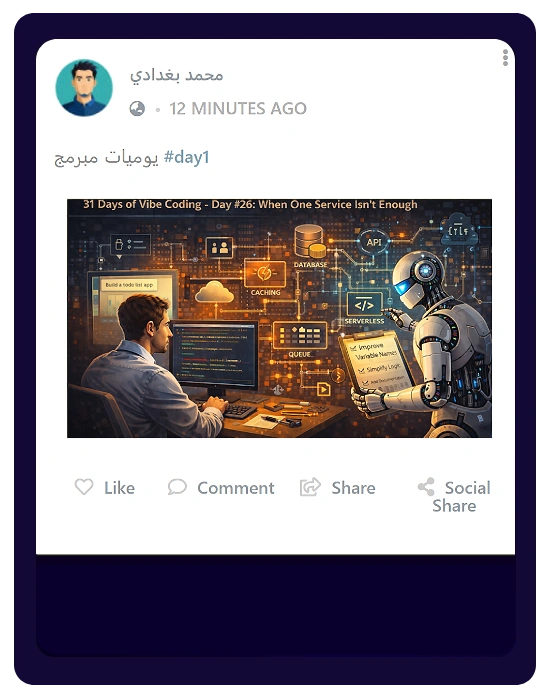
The Activity tab is your personal timeline to share updates and interact with others.While publishing posts does not directly award points, you can collect THERA points here through eligible community interactions. This includes when you comment on or like other creators’ posts, as well as when other members interact with your own posts by liking or commenting on them.
✍️ Creating a Post
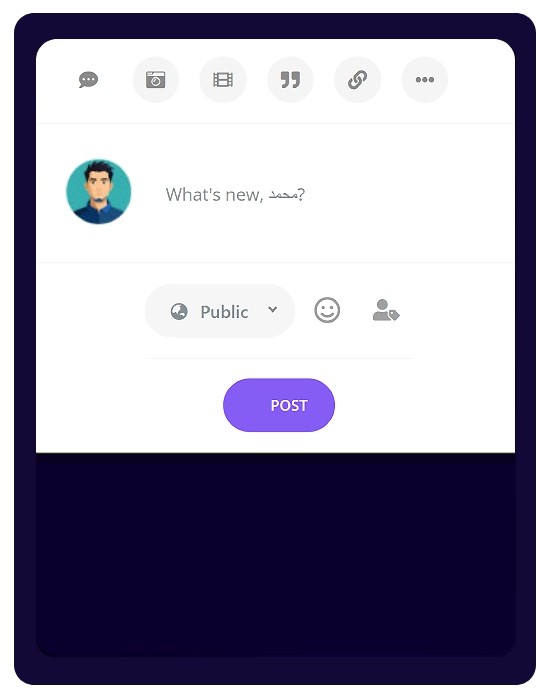
- Formats: Click “What’s new?” to create a post. You can share text, photos, slideshows, quotes, links, or polls.
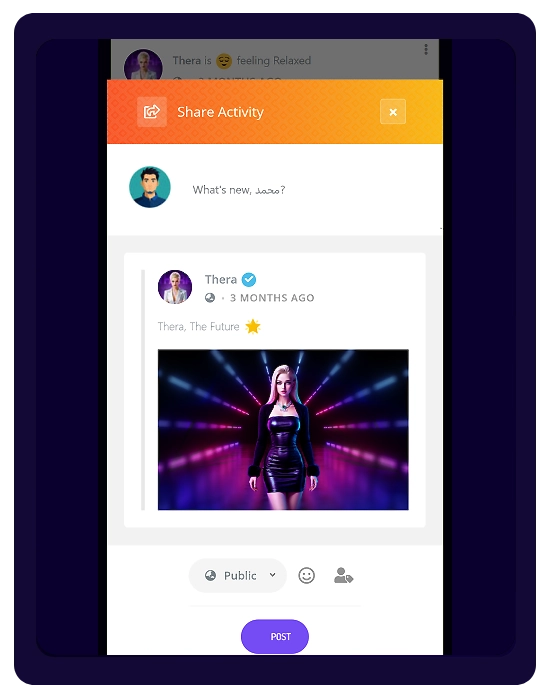
- Feelings: Add a mood or activity using the emoji icon.
- Privacy: Choose who can see your post (e.g., Public) before publishing.
🔄 Interacting & Sharing
- Engage: Like and comment on posts to interact with the community.
- Repost: Use Share to repost content to your own feed.
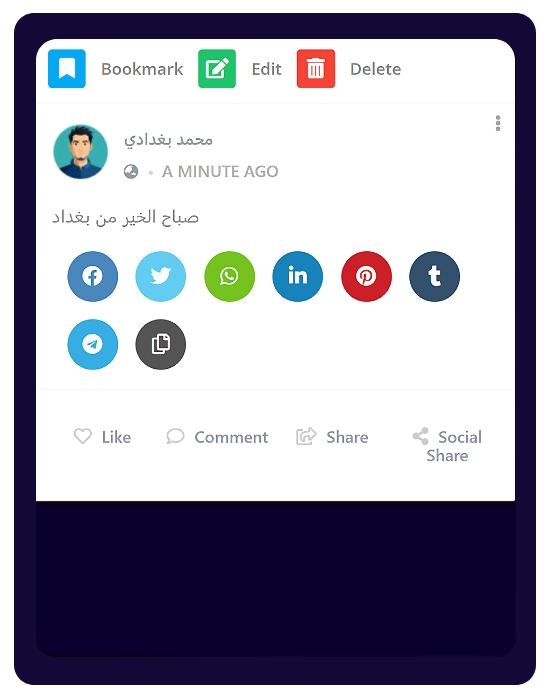
- Social Share: Share your posts externally (Facebook, Twitter, WhatsApp, LinkedIn, etc.).
⚙️ Managing Your Posts
Click the three dots (⋮) on your post to access:
- Edit: Update your post (available within the first hour only).
- Bookmark: Save the post for later.
- Delete: Permanently remove the post.