

- Home
- User Guide
- Get Started
- Navigating the Dashboard
👉 Click on each section to view the images and explore the features.
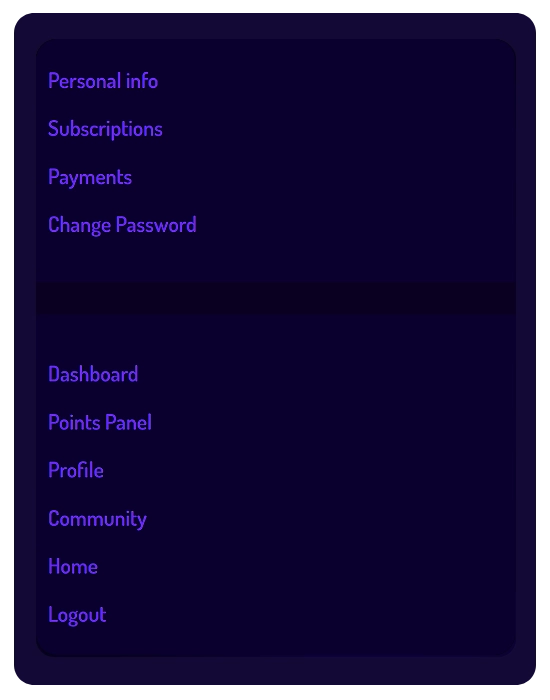
- Main Menu: Quickly access your account settings and navigate between platform sections.
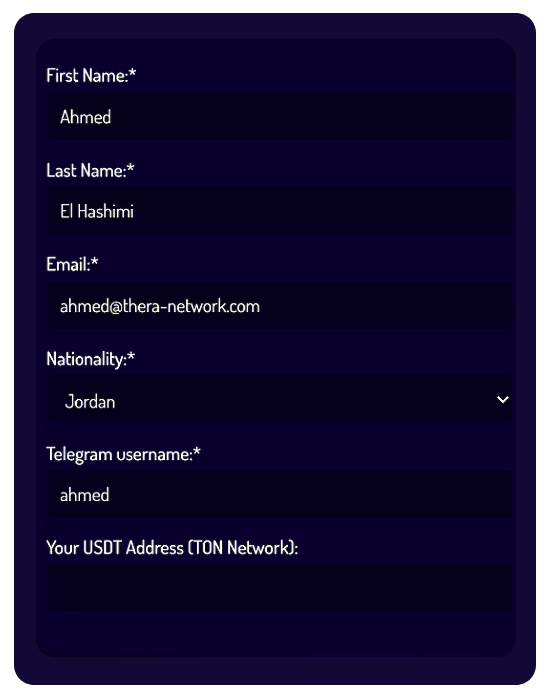
- Personal Info: Update your profile details, Telegram username, and your USDT (TON) payout destination address.
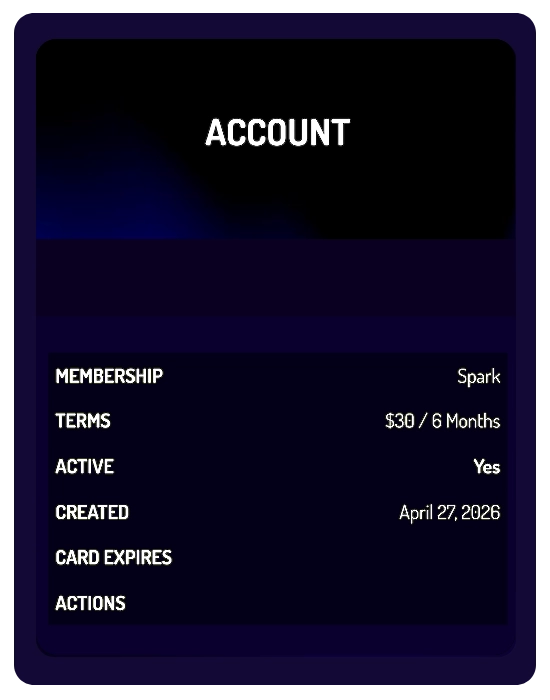
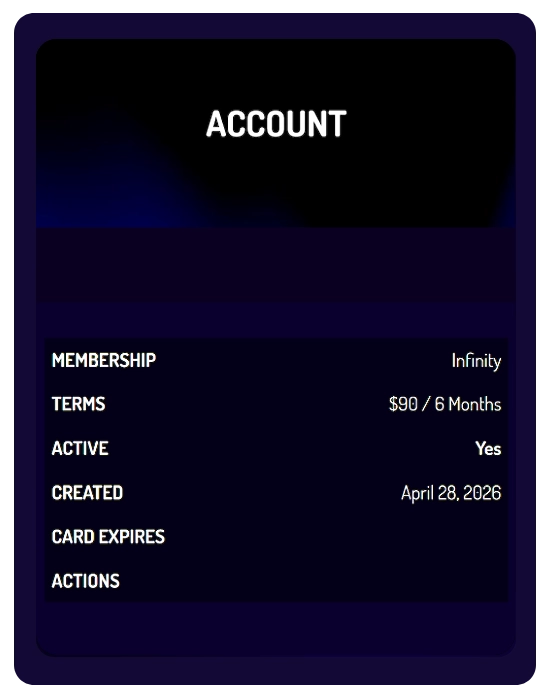
- Subscriptions: View your active plan (SPARK or INFINITY) and its billing terms.
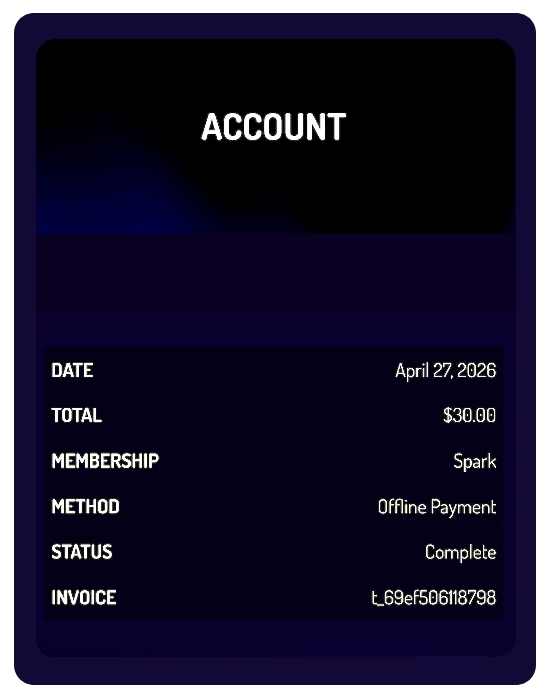
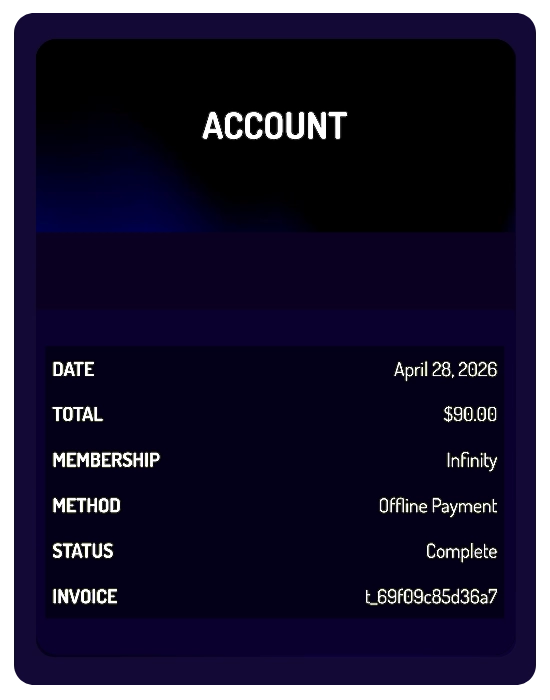
- Payments: Review your payment history, transaction status, and invoices.
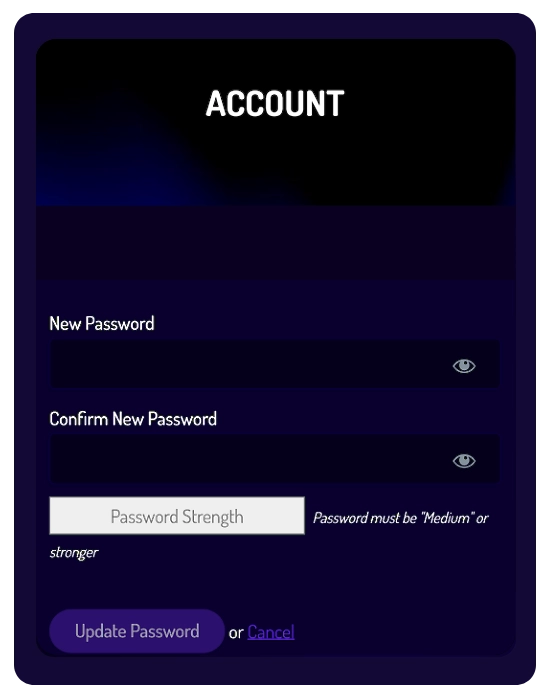
- Change Password: Securely update your account password at any time.
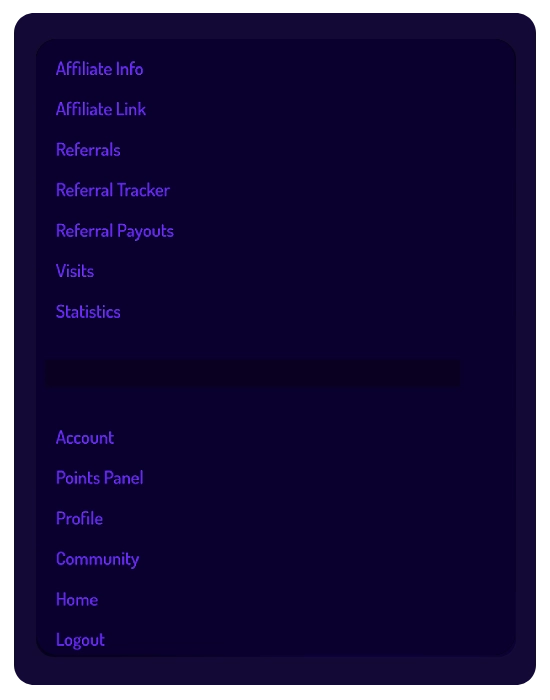
- Dashboard Menu: Access affiliate tools and navigate between tracking and reporting sections.
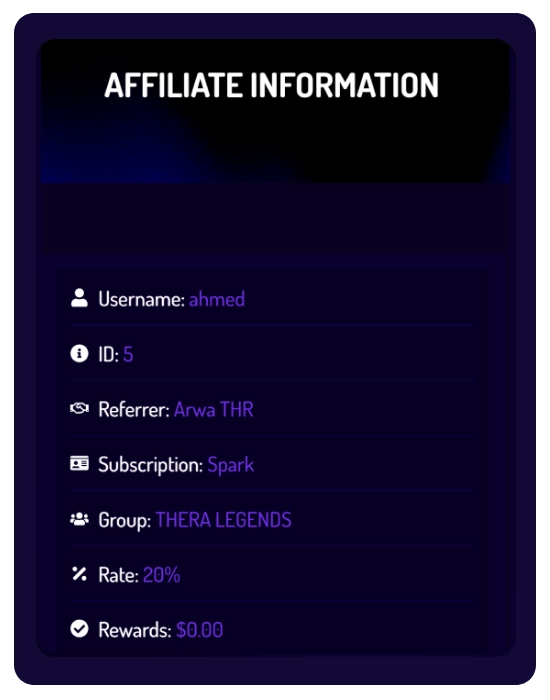
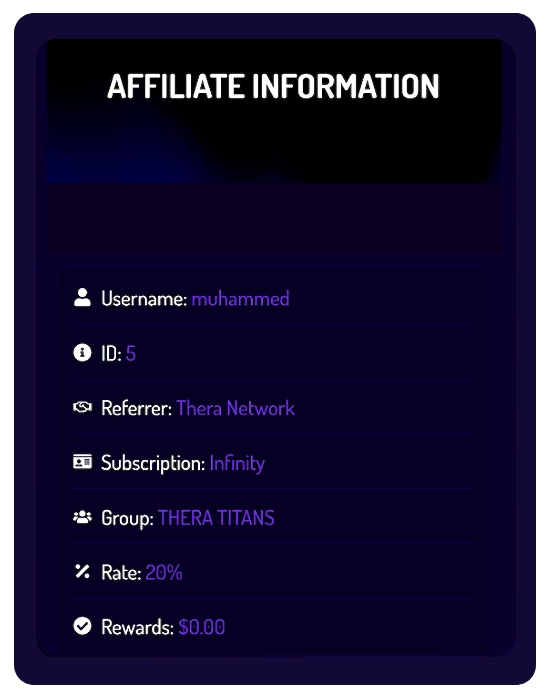
- Affiliate Info (SPARK / INFINITY): View your affiliate ID, active plan, group, and commission rate (20%).
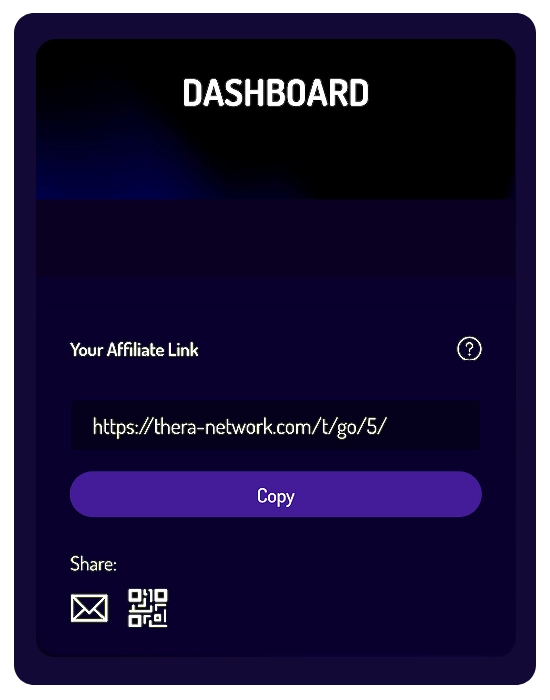
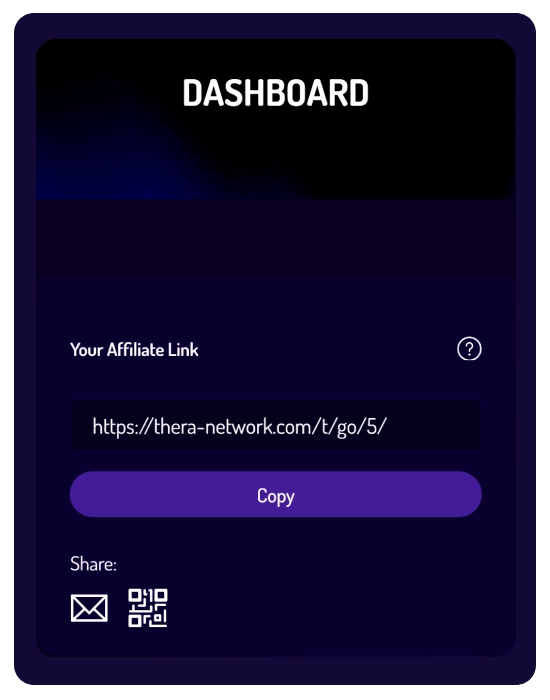
- Affiliate Link: Copy or share your unique referral link or QR code to invite new users to register and subscribe.
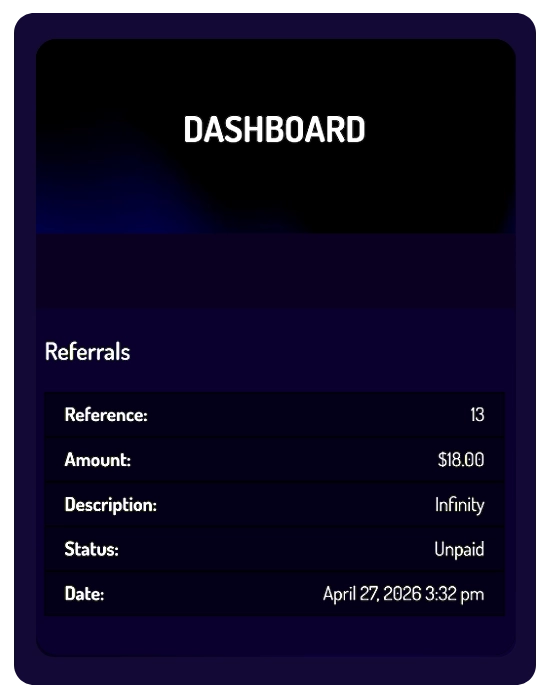
- Referrals: Track referral status (Paid/Unpaid) and associated commission based on successful paid subscriptions.
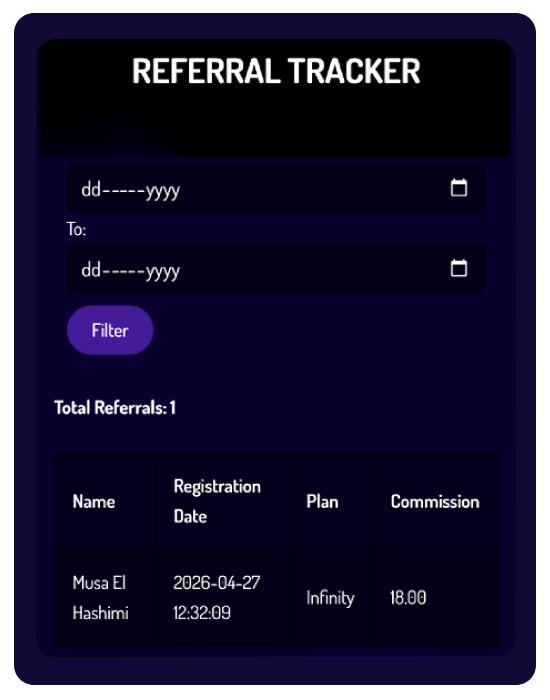
- Referral Tracker: Filter referrals by date to review selected plans and associated commissions.
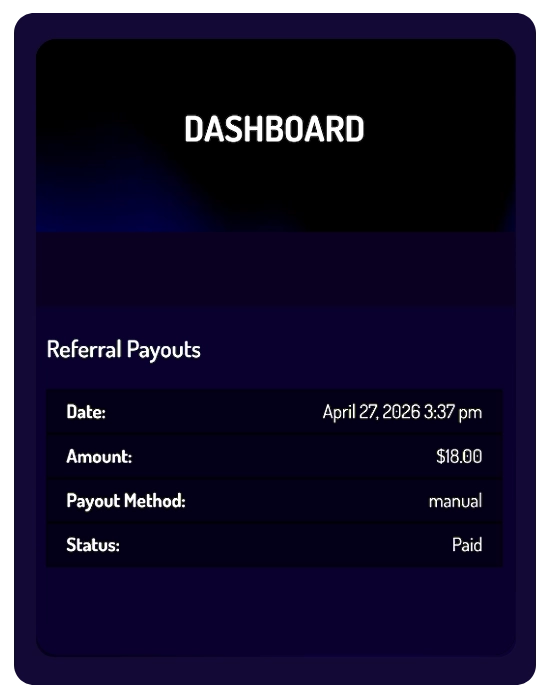
- Referral Payouts: View processed automatic payouts and transaction details in accordance with payout conditions.
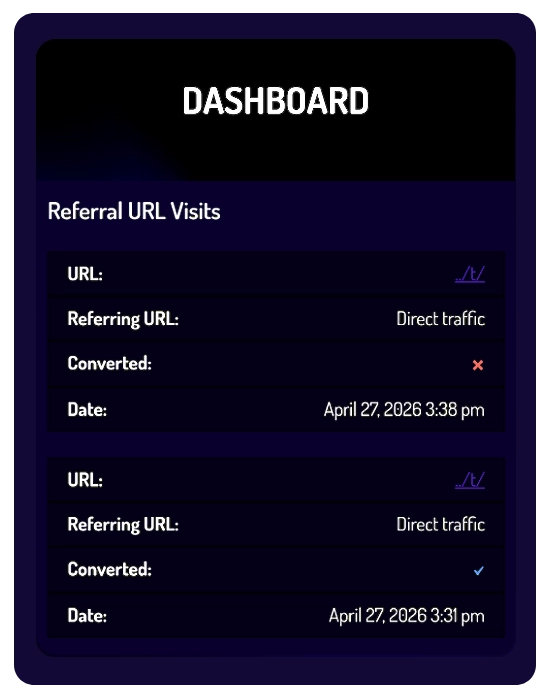
- Visits: Monitor link activity and identify completed referral conversions.
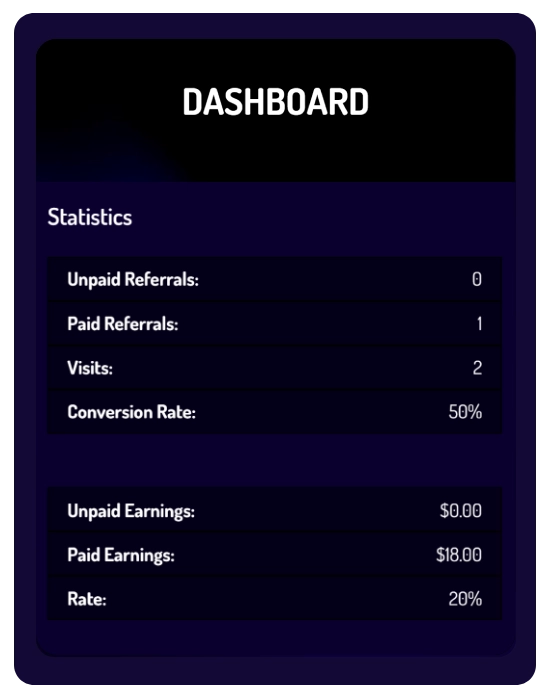
- Statistics: Get an overview of affiliate performance, conversion rates, and commission records.
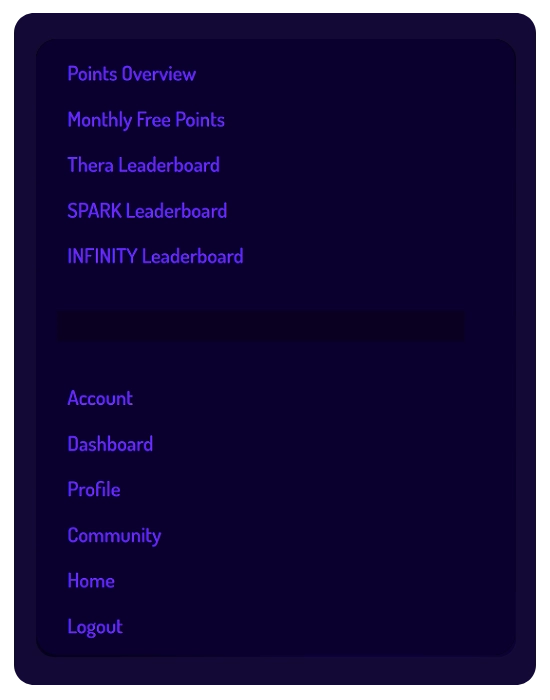
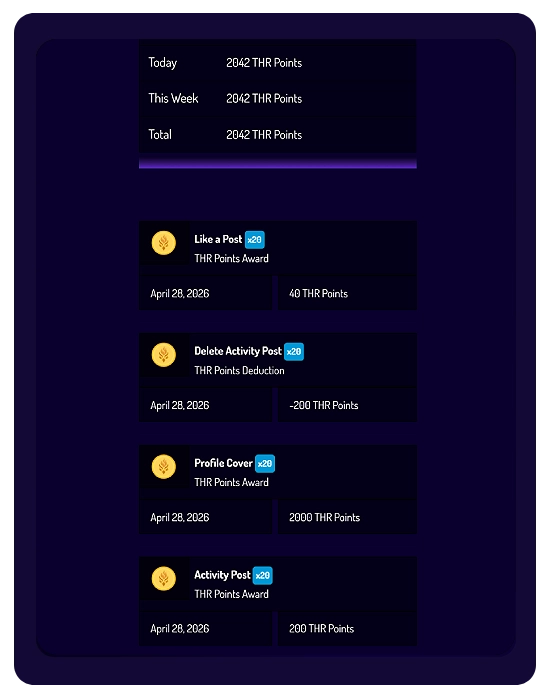
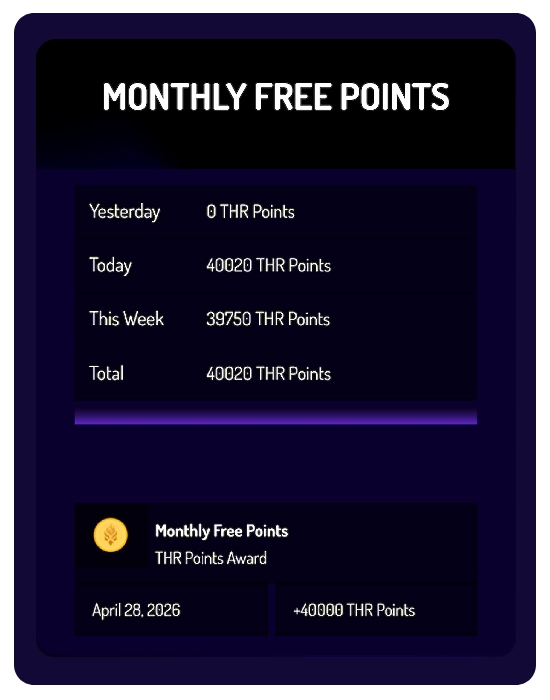
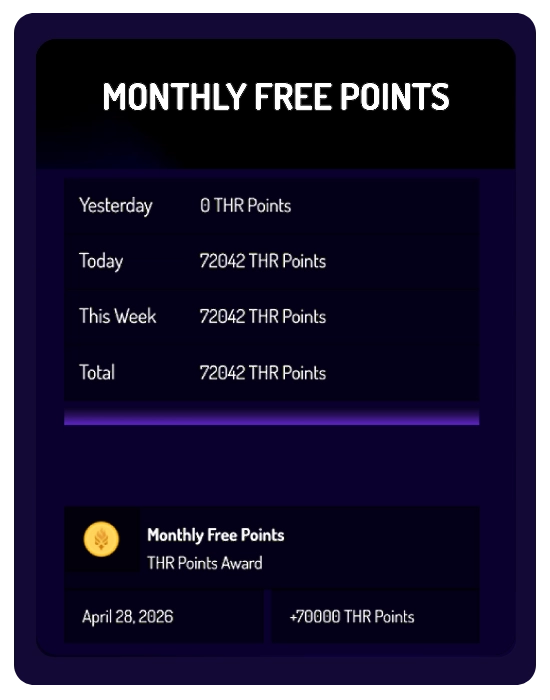
- Points Menu: Navigate your points system, track your activity, and access leaderboard rankings.
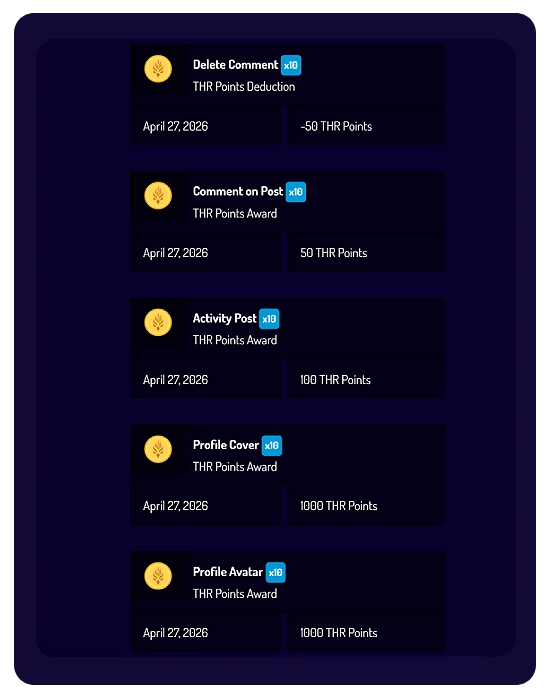
- Points Details (Overview): Monitor your points history, including points awarded or deducted for each eligible activity, based on your active plan’s multiplier (e.g., x10 or x20).
- Monthly Free Points: View the automated monthly allocation credited to your account based on your active subscription (40,000 THR for SPARK or 70,000 THR for INFINITY).
- Leaderboards: View weekly rankings across the platform (Thera Leaderboard), or compare your performance within your subscription tier (SPARK Leaderboard and INFINITY Leaderboard).